Buy a MiniMax API Key
MiniMax's flagship model MiniMax-M2.7 performs well on code and reasoning, with pay-as-you-go billing — you only pay for what you use. This guide walks you from zero to a working API Key in about 5 minutes.
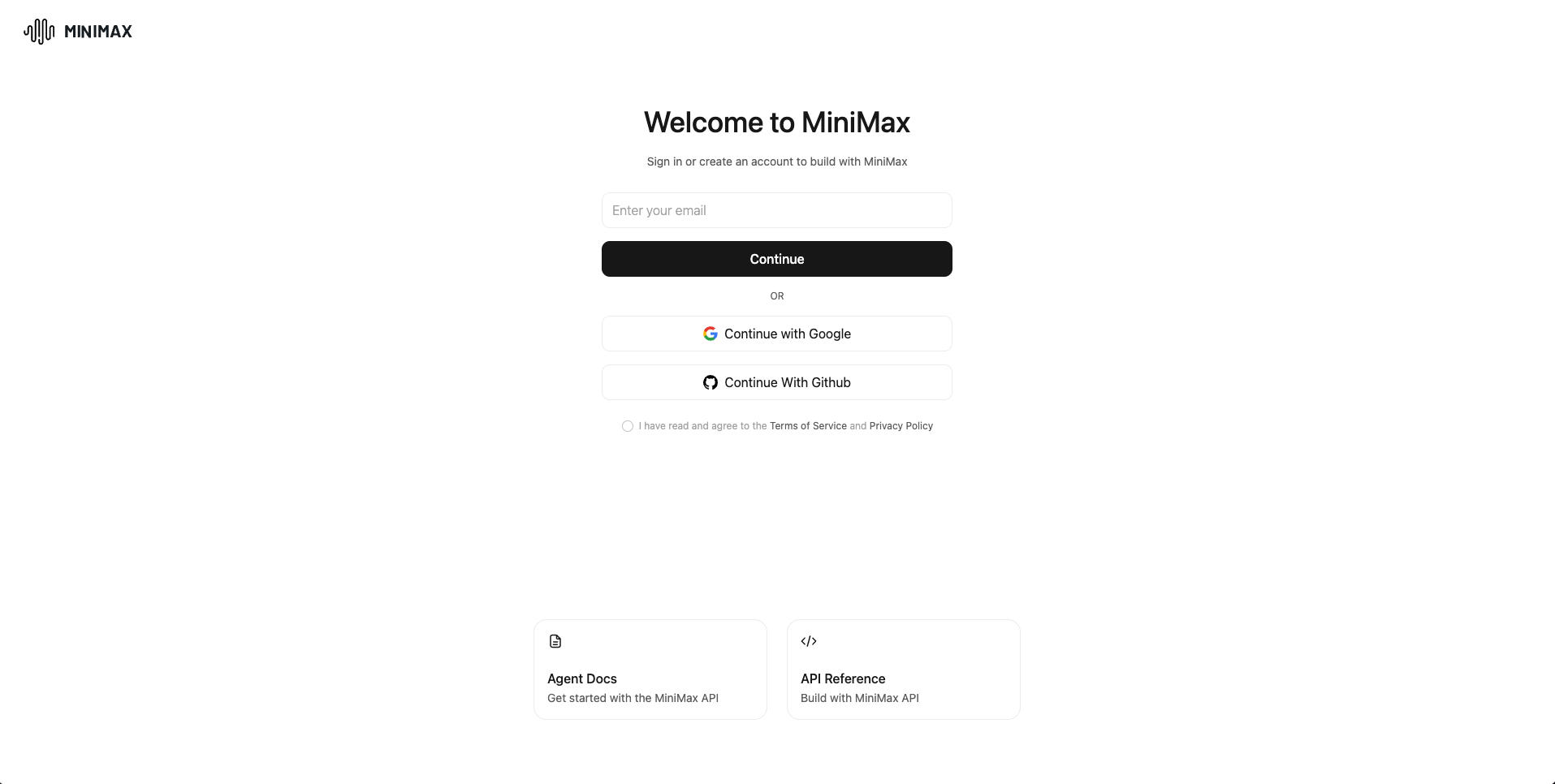
Step 1: Create a MiniMax Account
- Go to the MiniMax open platform: https://platform.minimax.io
- Click Sign in / Sign up in the top right
- Supported sign-up methods:
- Continue with Google
- Continue with GitHub
- Follow the prompts to complete registration and sign in
Step 2: Top Up
In the left sidebar, click Balance, then click Recharge, enter the amount, and complete payment.
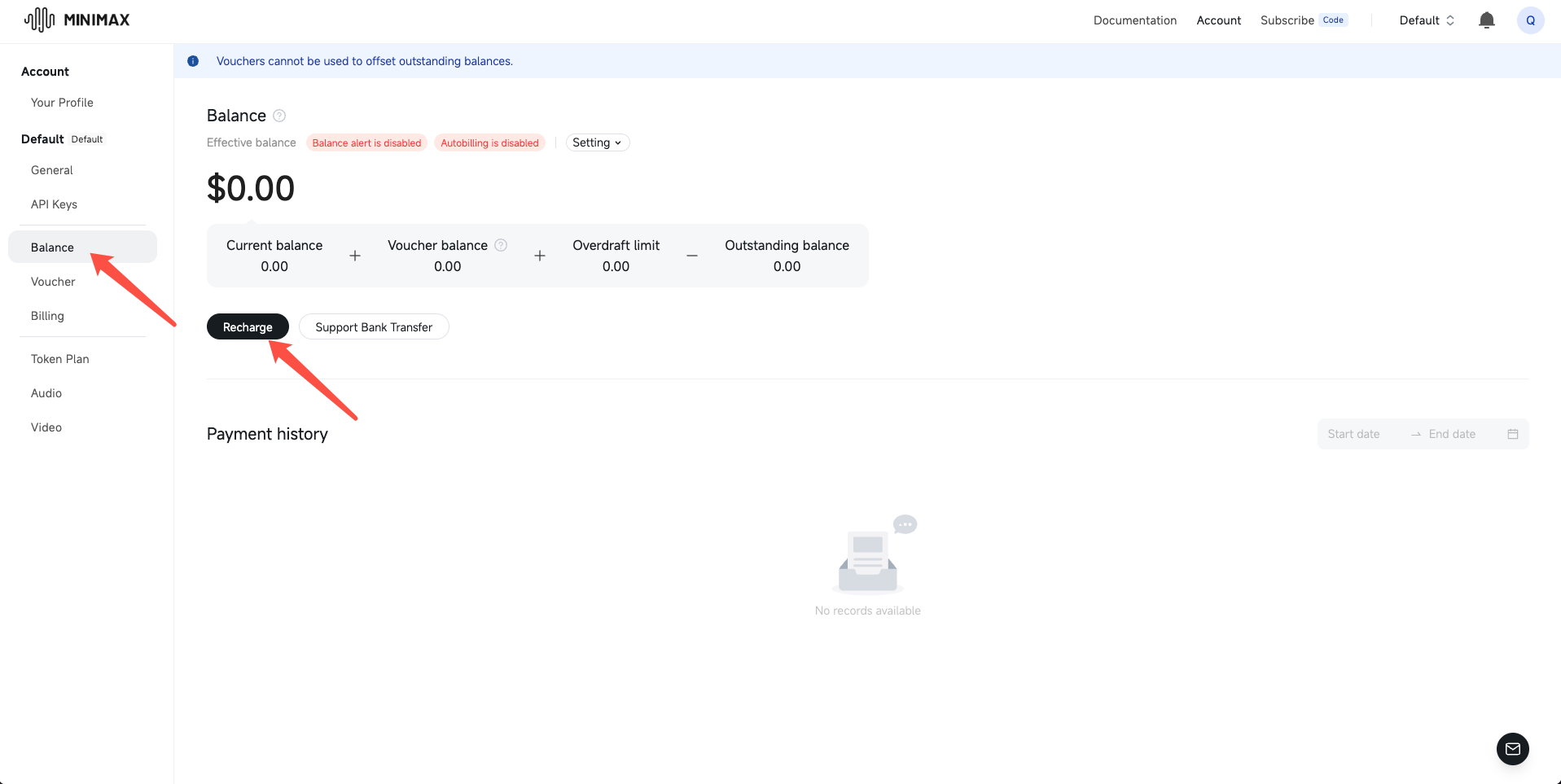
⚠️ Balance is non-refundable — don't load more than you'll use.
Step 3: Create an API Key
- Go to API Keys in the left sidebar
- Click Create new secret key
- Give it a recognizable name (e.g.
openclacky-mac) - Copy the generated Key
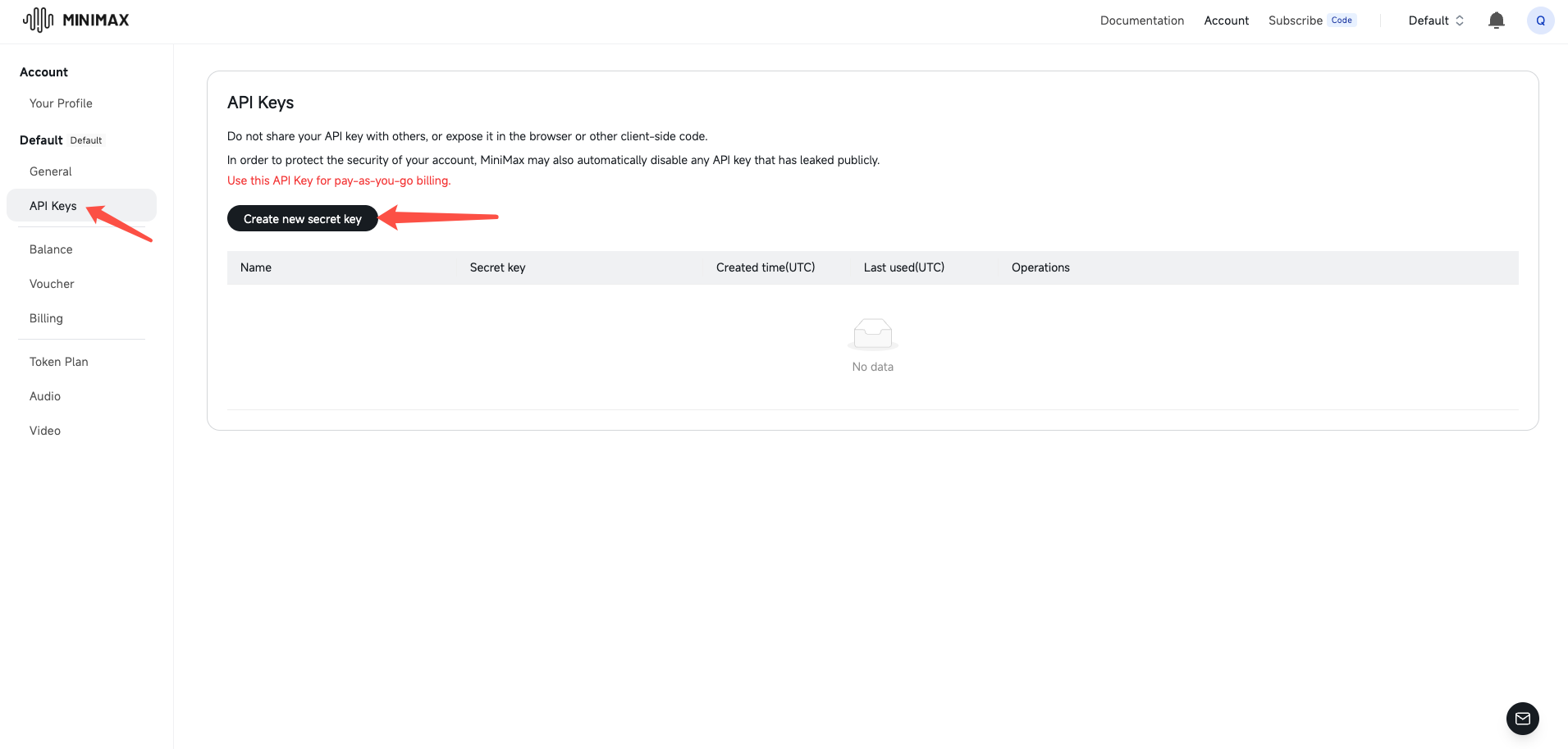
⚠️ The full Key is shown only once. Once you close the dialog it's gone. Copy it immediately and paste it somewhere safe.
Step 4: Configure in OpenClacky
Open the Connect AI Model page in OpenClacky and do 4 things:
- Provider dropdown → select MiniMax
- Model dropdown → pick
minimax-m2.7(latest flagship, recommended) - Base URL — open the dropdown and select International
- API Key — paste the Key from Step 3, click Test & Continue
A green checkmark means you're good to go.
FAQ
Q1: I forgot to save my API Key!
Just create a new one on the API Keys page. Delete the old one to prevent leakage.
Q2: The server seems busy — what should I do?
MiniMax capacity can be tight during peak hours. Try a few more times, or temporarily switch to another model.
Q3: How do I track spending?
Go to Billing in the left sidebar to view daily usage and spend per Key.